Booking requests now arrive matched to your availability
Requests from your public link are checked against your weekly hours, date overrides and synced calendars before they ever reach you.

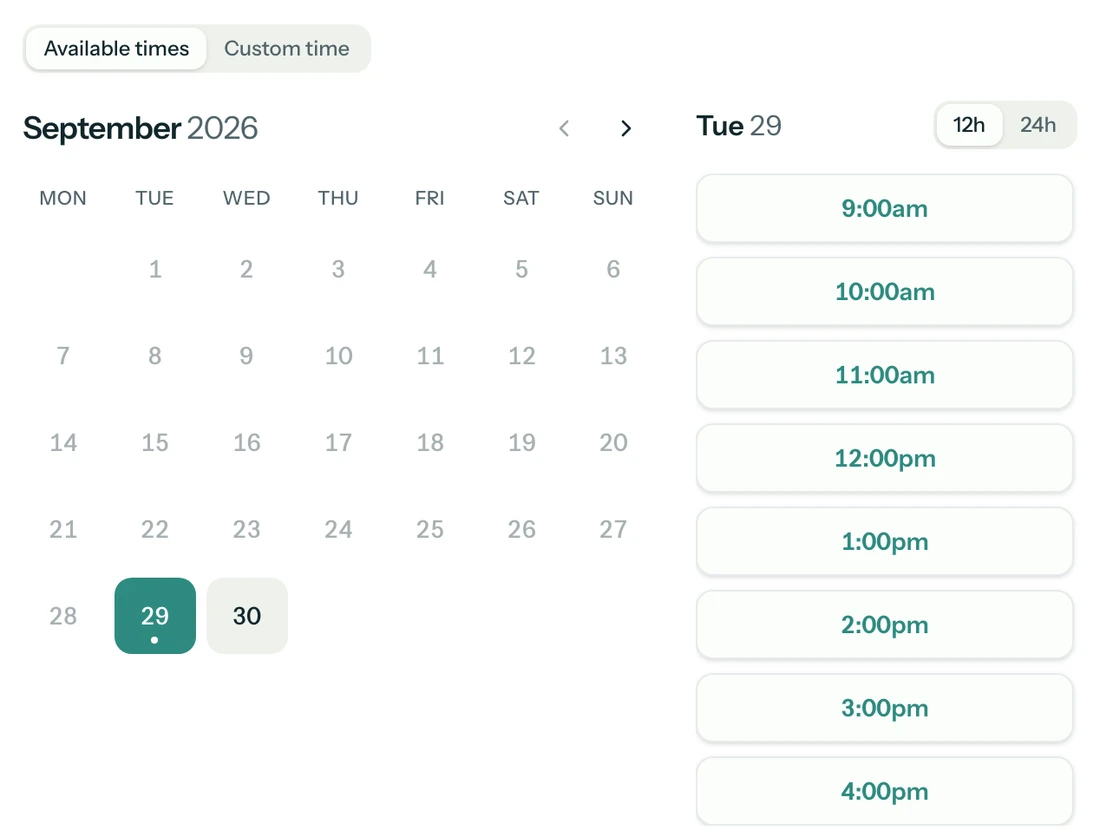
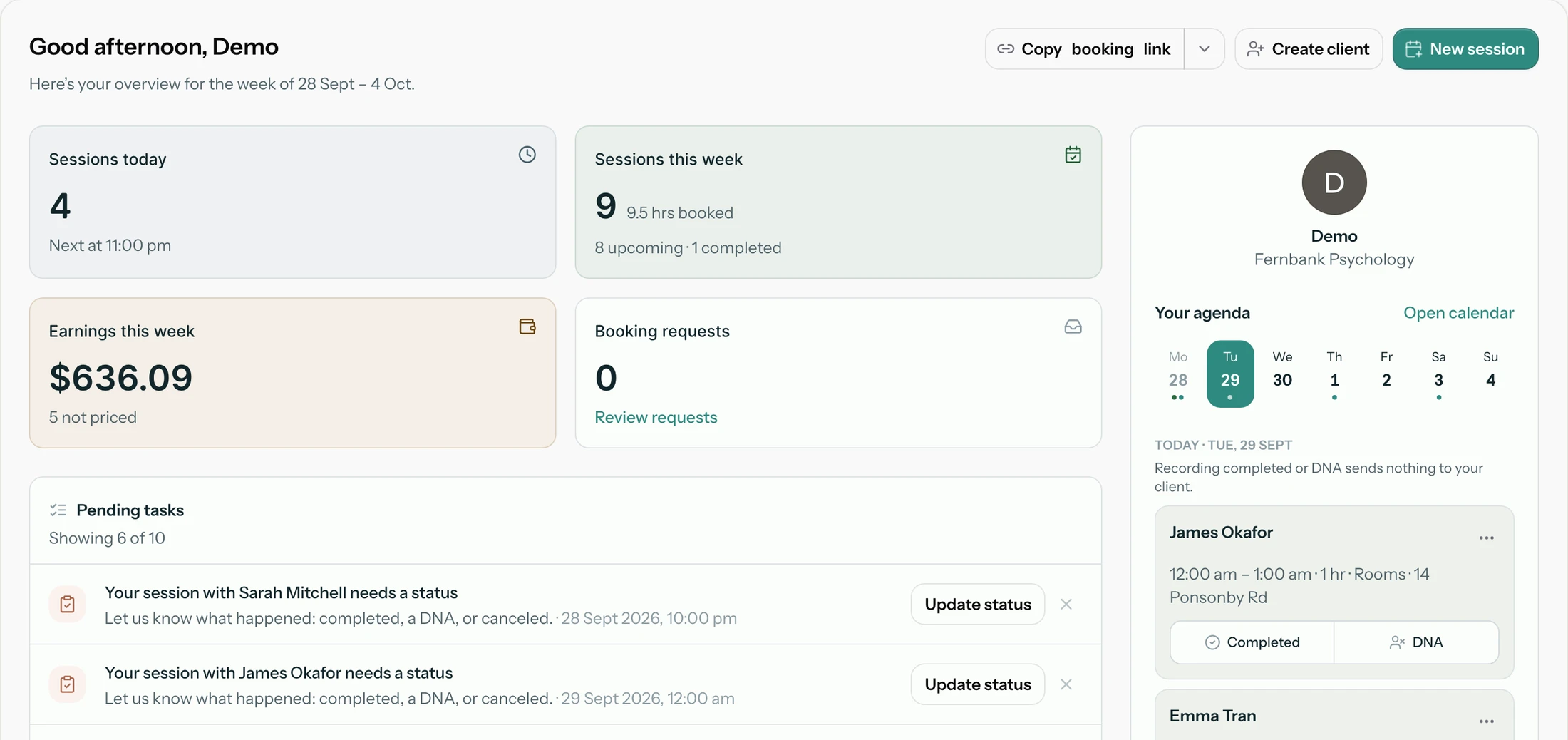
Booking requests used to land in your inbox first and get checked against your diary second. Now Addison does the checking for you. A request from your public link is matched against your availability before it reaches you, so the only decision left is whether to say yes.
What gets checked
Every request is compared with the same three things you already set once:
- Your weekly hours, including split days like a long lunch on Mondays
- Date overrides, such as a day you have marked as unavailable
- Personal commitments from Google Calendar, if you have connected it (Outlook and iCloud sync are coming soon)
The only decision left is whether to say yes.
When the time does not work
If you cannot take a request, choose I'm unavailable. You can ask the client to pick a new time, or offer a few specific times they can book in one click. Nothing is sent until you confirm, and every email leaves the client a way to rebook.
Turning it on
There is nothing to switch on. If you already share a booking link, your next request will arrive checked. If you have not set your weekly hours yet, start in Availability.