Book shared rooms without double-ups.
Every room on one calendar, by week or by day, across your locations. A confirmed booking holds the room, and so does time a team member is busy elsewhere, so two people never land in the same room.

Hire hours you control
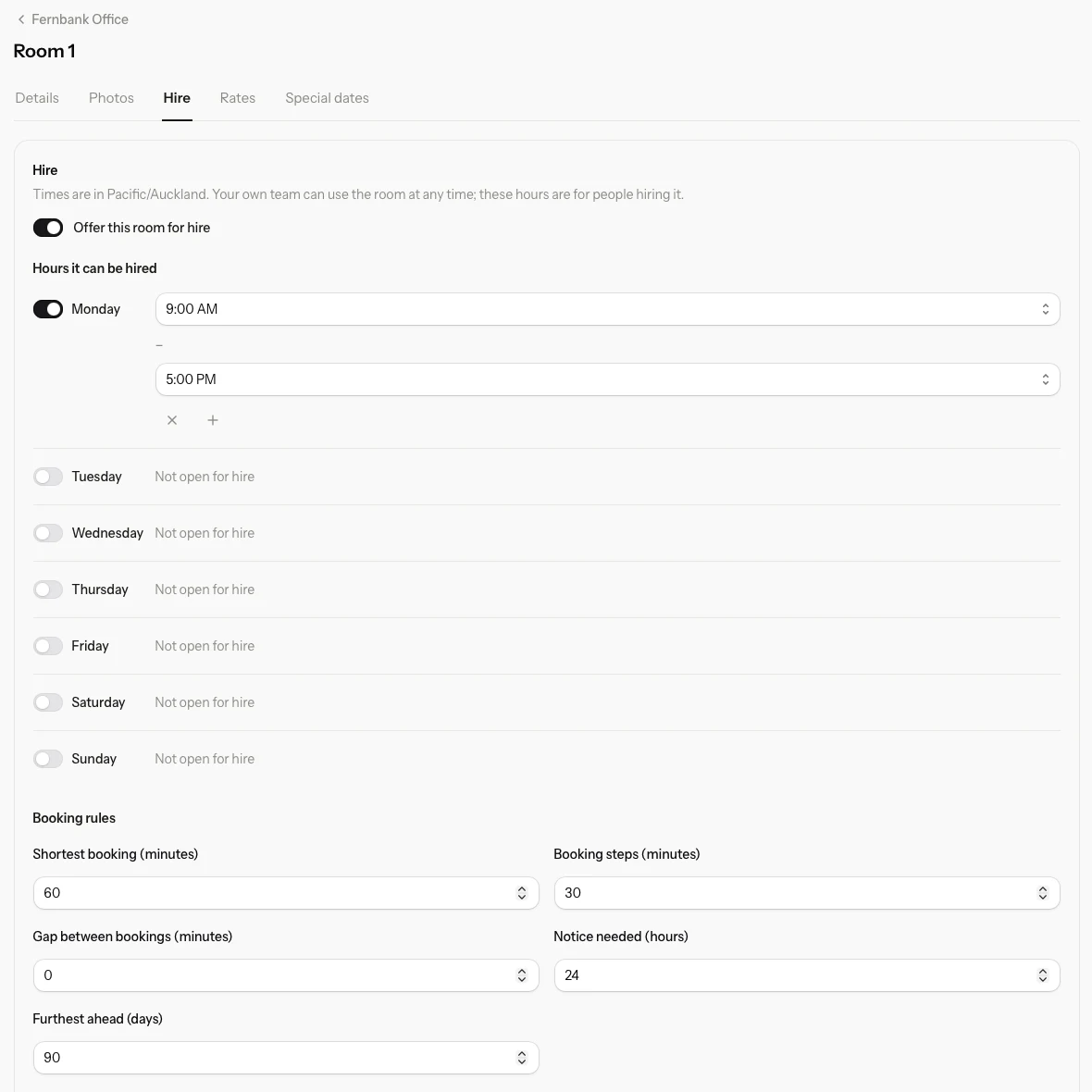
Choose which rooms are offered for hire and the hours on each day. Your own team can use a room at any time; hire hours only apply to people hiring it.
- Shortest booking and booking steps
- Notice needed, and how far ahead people can book
- A cancellation policy shown before anyone requests a booking
Everyone on one calendar
Member use, hire, requests waiting for an answer and time someone is busy elsewhere each look different, so a glance tells you who is in which room.
Turnaround time kept clear
Set a gap between bookings and Addison keeps that time free around every booking in the room.
Repeating bookings
Book a room every week for as long as it is needed. Repeating bookings sit on the calendar with everything else.
Rooms questions
Can two people book the same room at once?
No. A confirmed booking holds the room, along with any gap you set between bookings. A request still waiting for an answer is flagged rather than holding the room, so you see a clash before you confirm anything.
Can my own team use a room outside hire hours?
Yes. Hire hours only apply to people hiring a room. Your own team can use it at any time.
What happens when the clocks change?
Hire hours are kept in your office’s local time, so they stay put when daylight saving starts or ends.
Where do rooms come from?
Rooms are part of Addison Office, for group practices and shared offices with rooms to book.
More in Addison
Put your practice somewhere safe.
An afternoon to move your schedule and allocations across. Twenty minutes to write the plan you hope you never need.